For 3D printing makers
Snap the tool. Print the perfect fit.
CraftShape turns a photo of your tools into custom-fit parts ready to print: Gridfinity bins for the drawer and Multiboard holders for the wall. No modeling required.
See how it worksPhotograph your tools
on a sheet of paper
on a sheet of paper
The photo becomes an outline, the outline becomes a print-ready gridfinity bin.
- Use A4, Letter, A3 or Tabloid paper
- All four corners of the paper must be visible
- Tools can extend past the edge
- Shoot straight down from above
A project groups the bins for one drawer. Your lists are in the menu on the left.
How it works
From photo to print in four steps
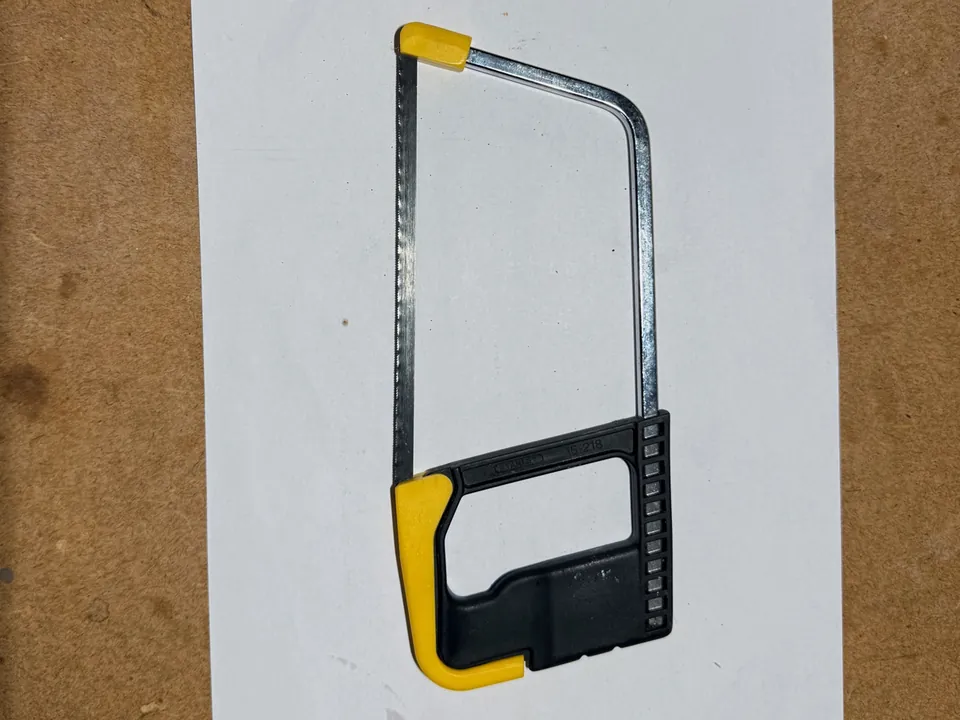
1Take a photo
Your tools on a sheet of A4 or Letter paper, shot from above. The sheet sets the scale in millimeters.
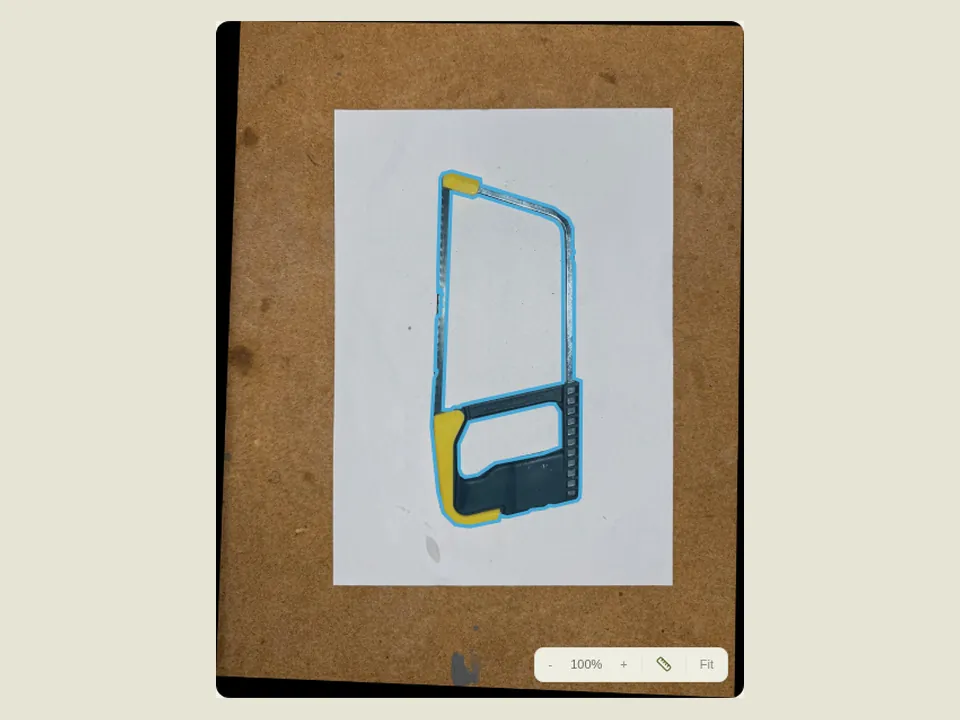
2Automatic outline
CraftShape cuts each tool out of the photo. You can tweak the points if you like.
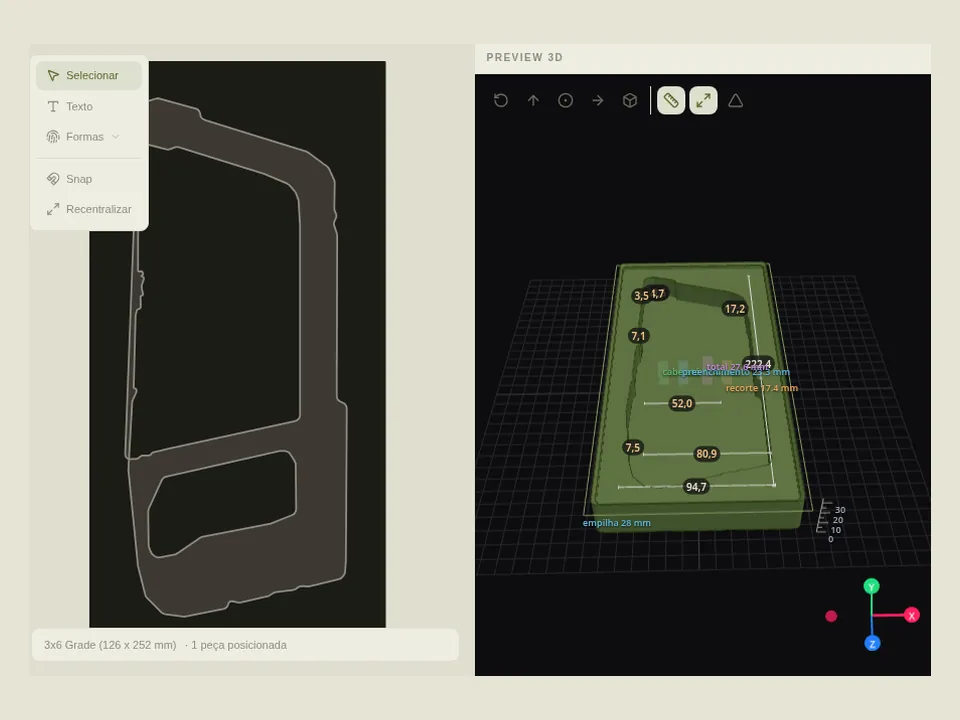
3Build the bin
Pieces go on the Gridfinity grid, with just the right clearance to take them out and put them back.
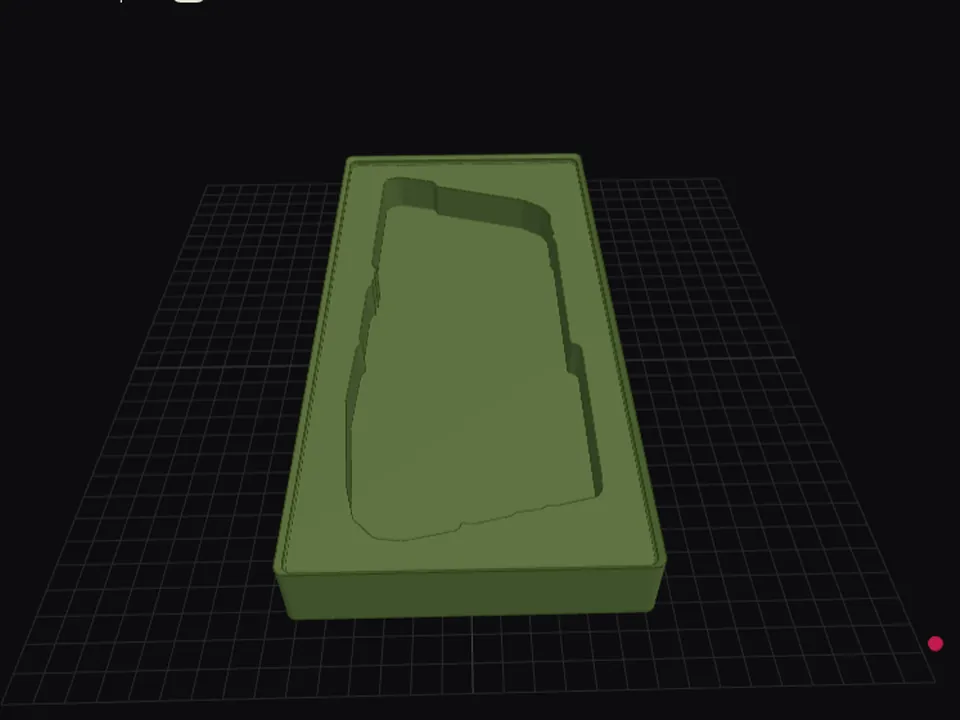
4Download and print
Check it in 3D, download the STL or 3MF, and send it to your printer.
What you can make
For the drawer, the wall and the home
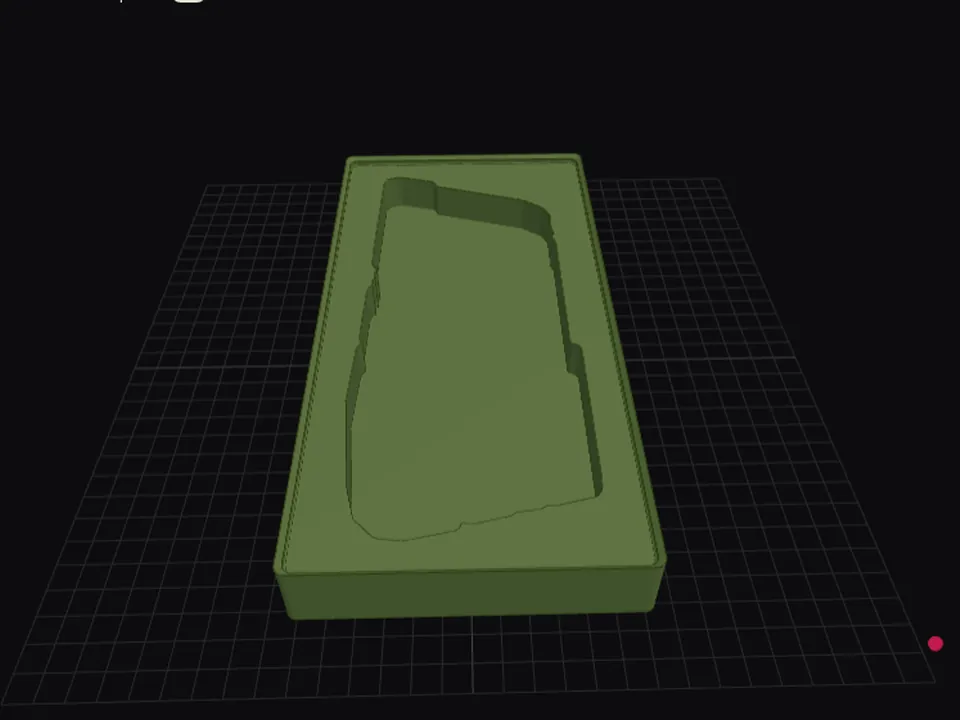
Gridfinity binsOrganized drawers: every tool in its own pocket, sized exactly to fit.Start with a photo
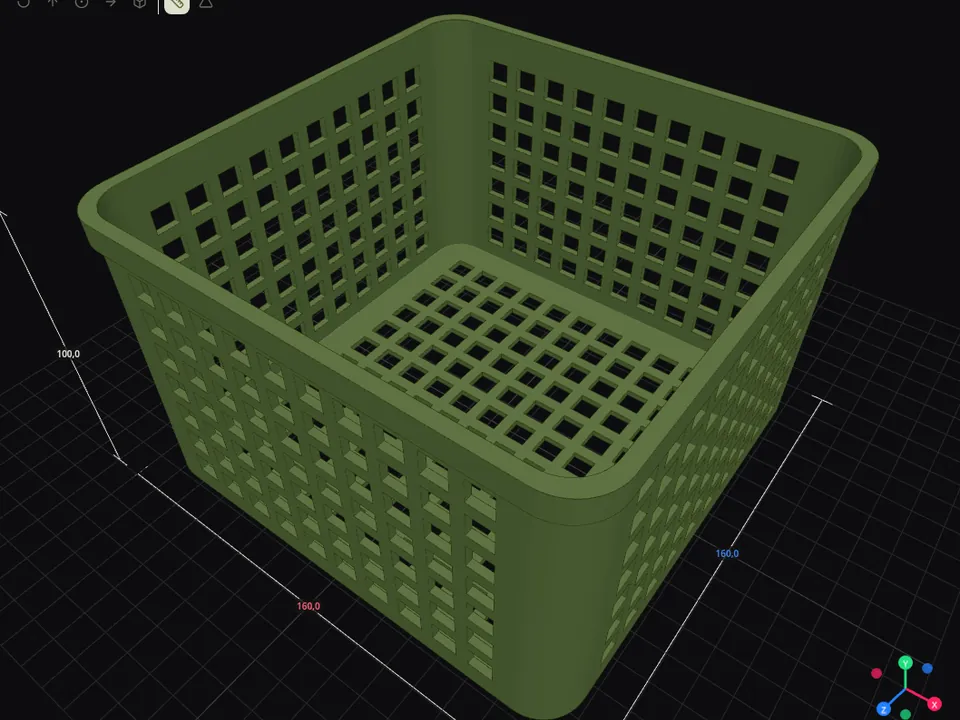
BasketsCustom baskets and organizers: shape, walls, holes and base, your way.Build a basket
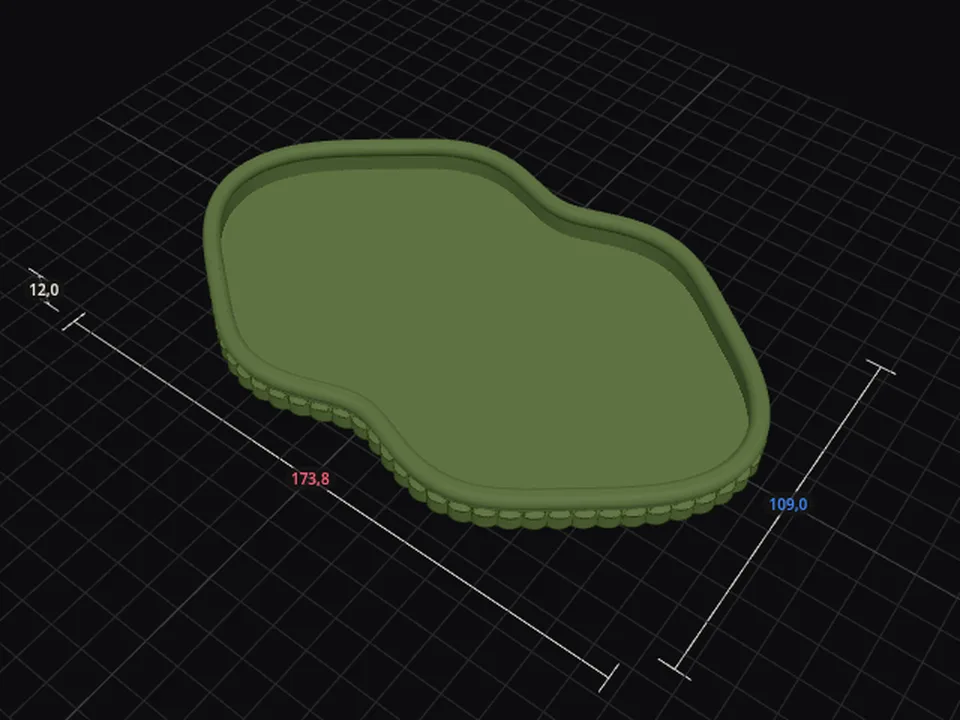
TraysPill-shaped, round, organic or photo-based trays, with a rolled rim or fluted walls.Build a tray
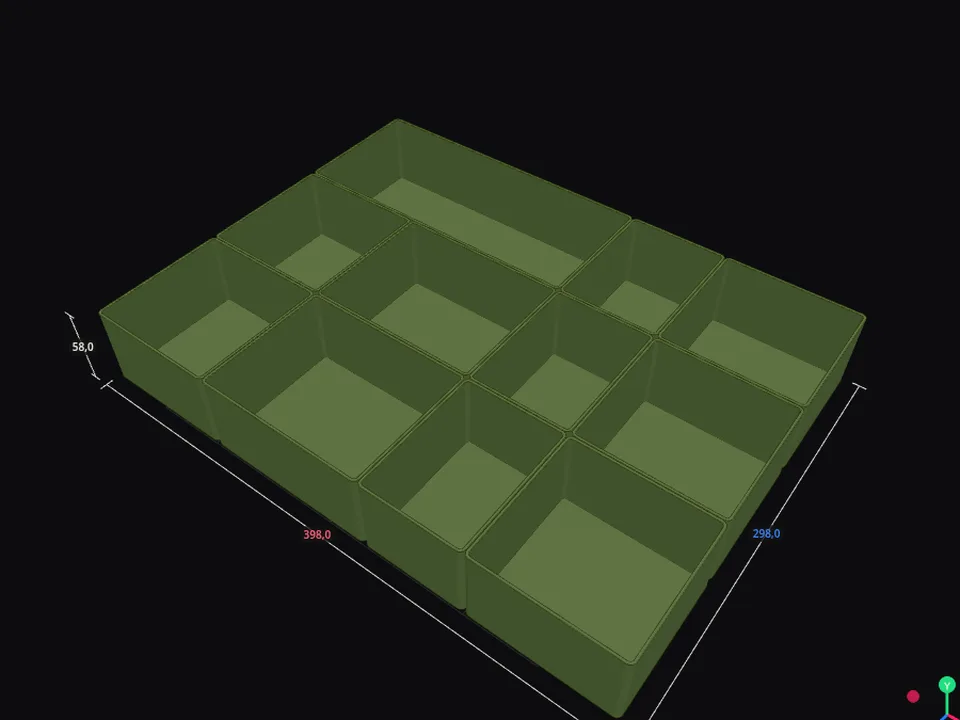
Drawer organizerEnter your drawer's measurements and it fills with plain boxes; merge, split and resize each one.Build an organizer
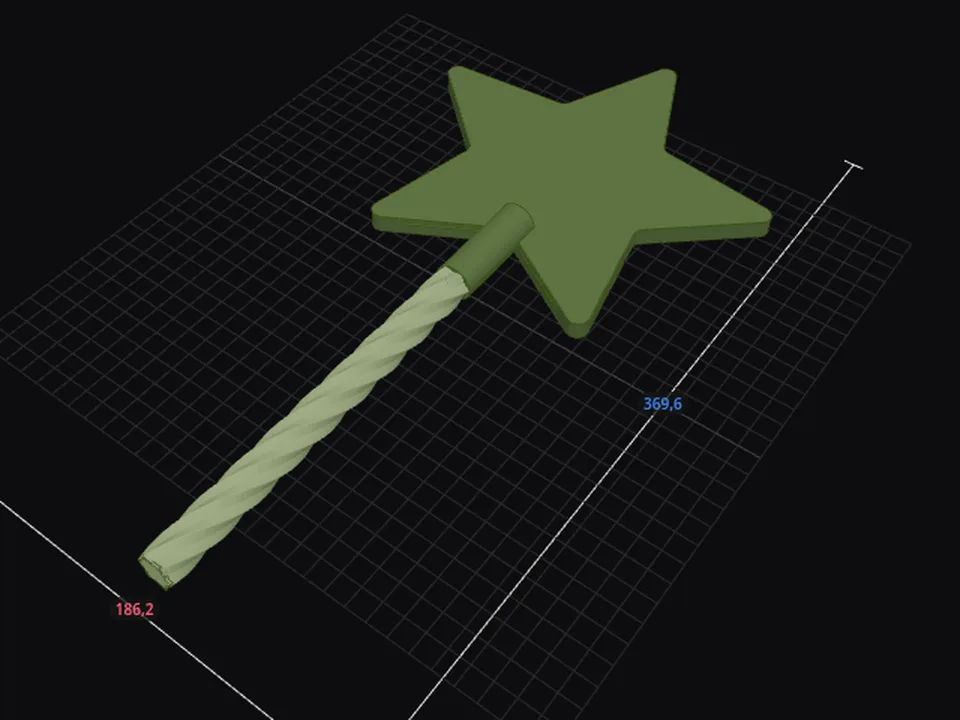
Gift card wandA wand that hides a gift card in its tip; the handle screws on and locks.Build a wand
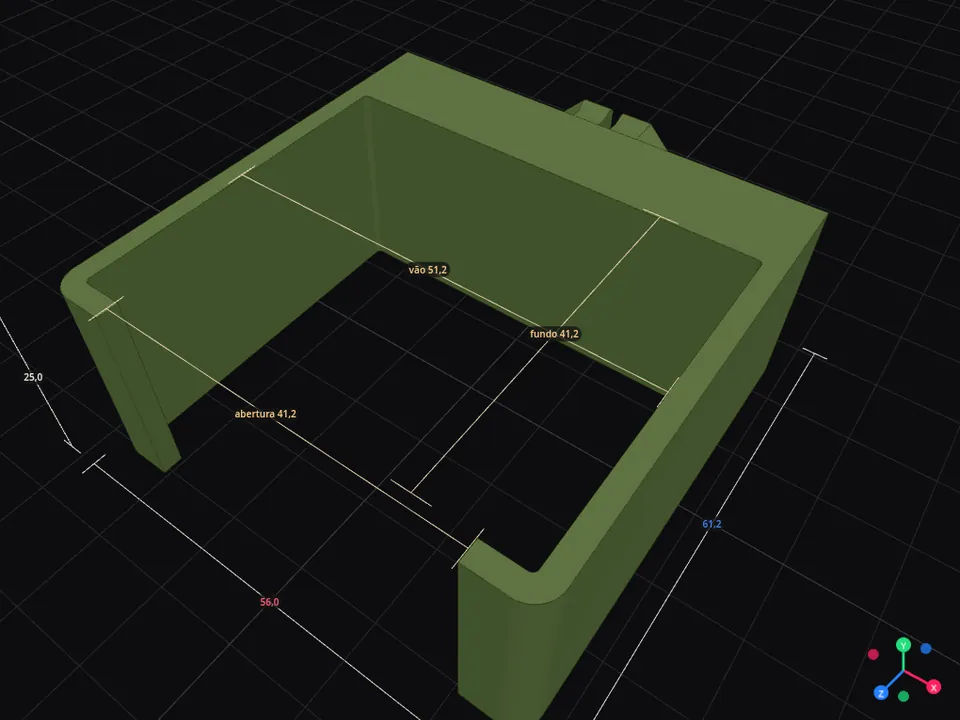
Photo holder (Multiboard)Snap the end of an object and get a wall holder shaped to fit it.Create a holder
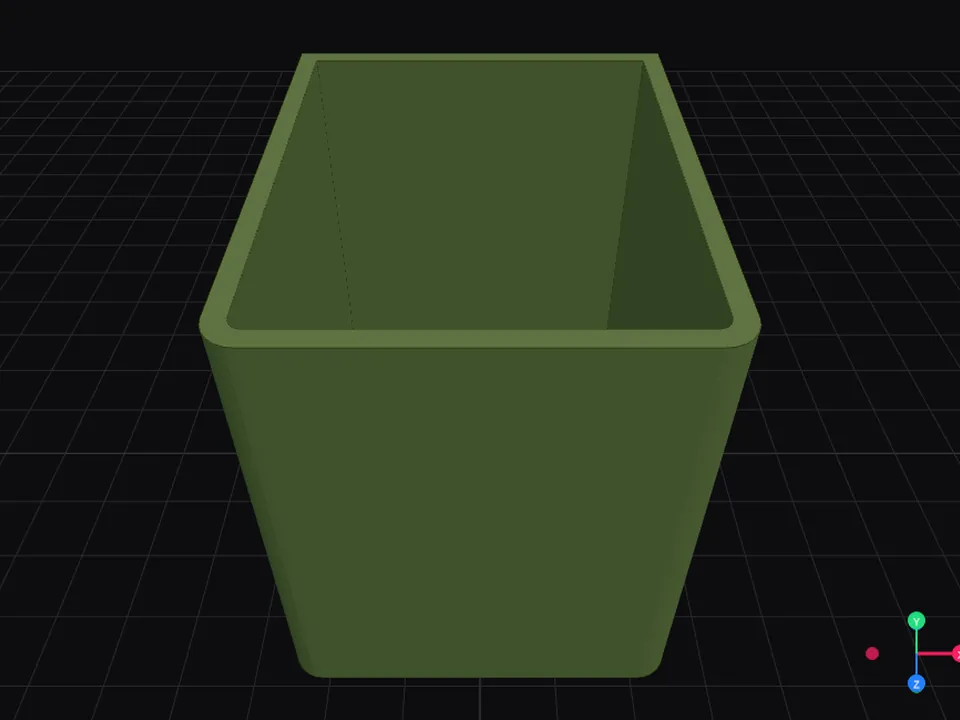
Multiboard boxA box that hangs on the board, as wide and deep as you need.Create a box
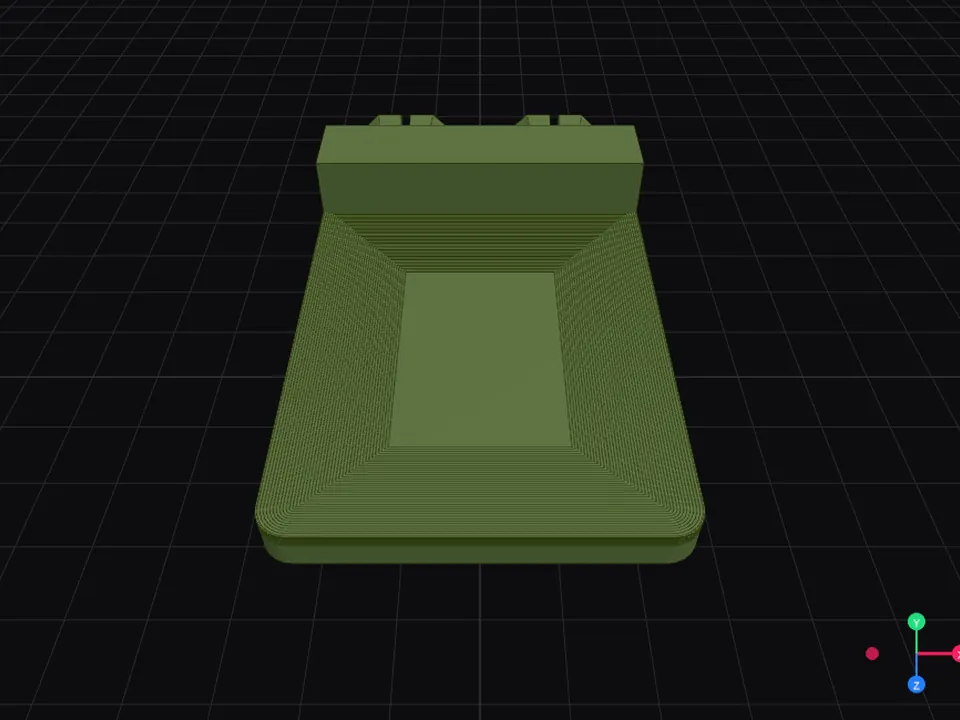
Multiboard shelfA shallow deck for whatever won’t fit in a box.Create a shelf
What you need
Three things, and none of them is 3D software
A sheet of A4 or Letter paperIt’s the photo’s ruler: its size tells us how many millimeters each tool measures.
Your phoneOne photo from above, with all four corners of the sheet visible.
A 3D printerOr the STL/3MF file to print wherever you like.